Creating or Updating Posts#
Posts are short articles used to share content about events, news or stories.
They are typically displayed in reverse chronological order, meaning the most recent post you've published is going to be displayed at the top.
Post#
-
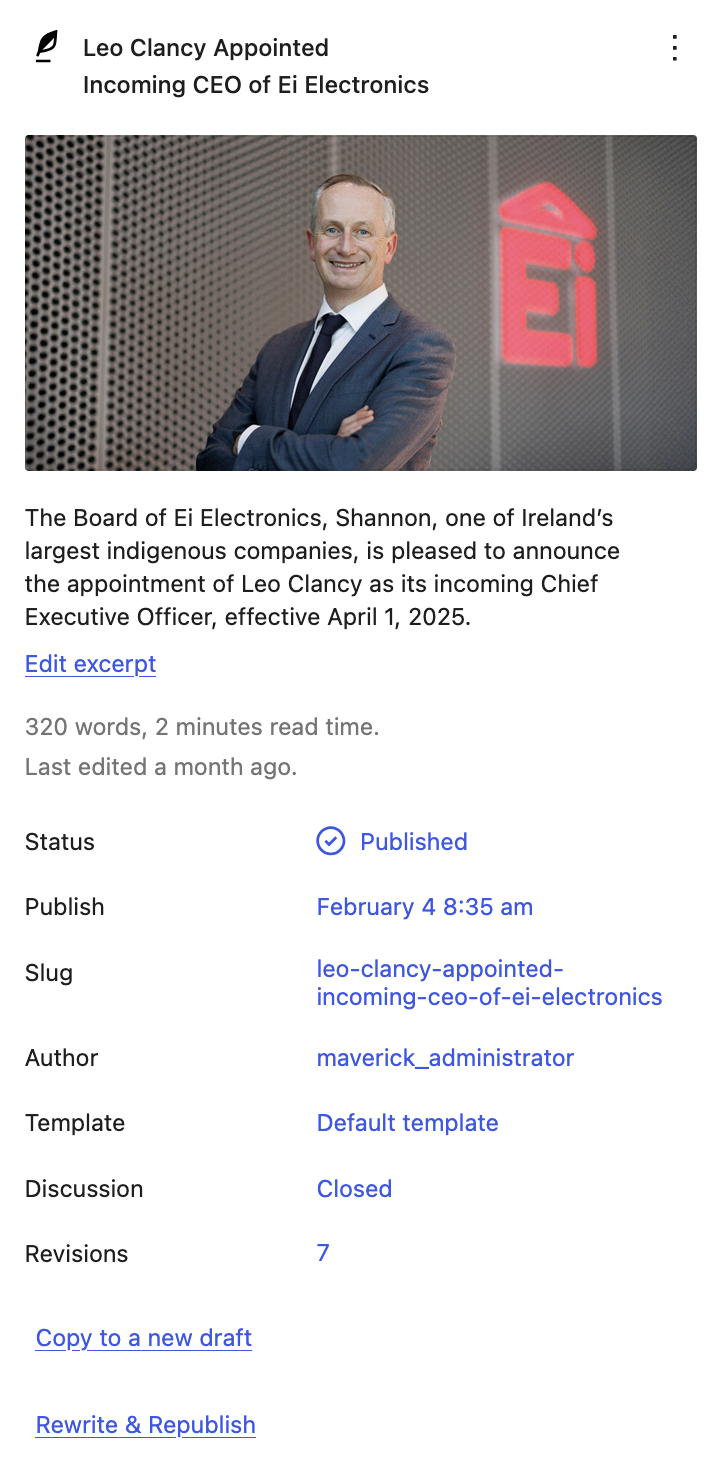
Status: You can change the status of your post on the fly, if you are busy with another task or waiting for more content, you can set the status of your post to 'draft', 'publish', or 'pending review'. You can also set the status to private or schedule it to be published on a specified date.
-
Revisions: allows the author to see the lastest updates that were made for the post.
-
Publish: Wordpress provides you with a date on when this post was published. This can be edited if needed.
Post Content#
- Content Blocks: Additional content can be added further should the author choose to do so.
Preview Content#
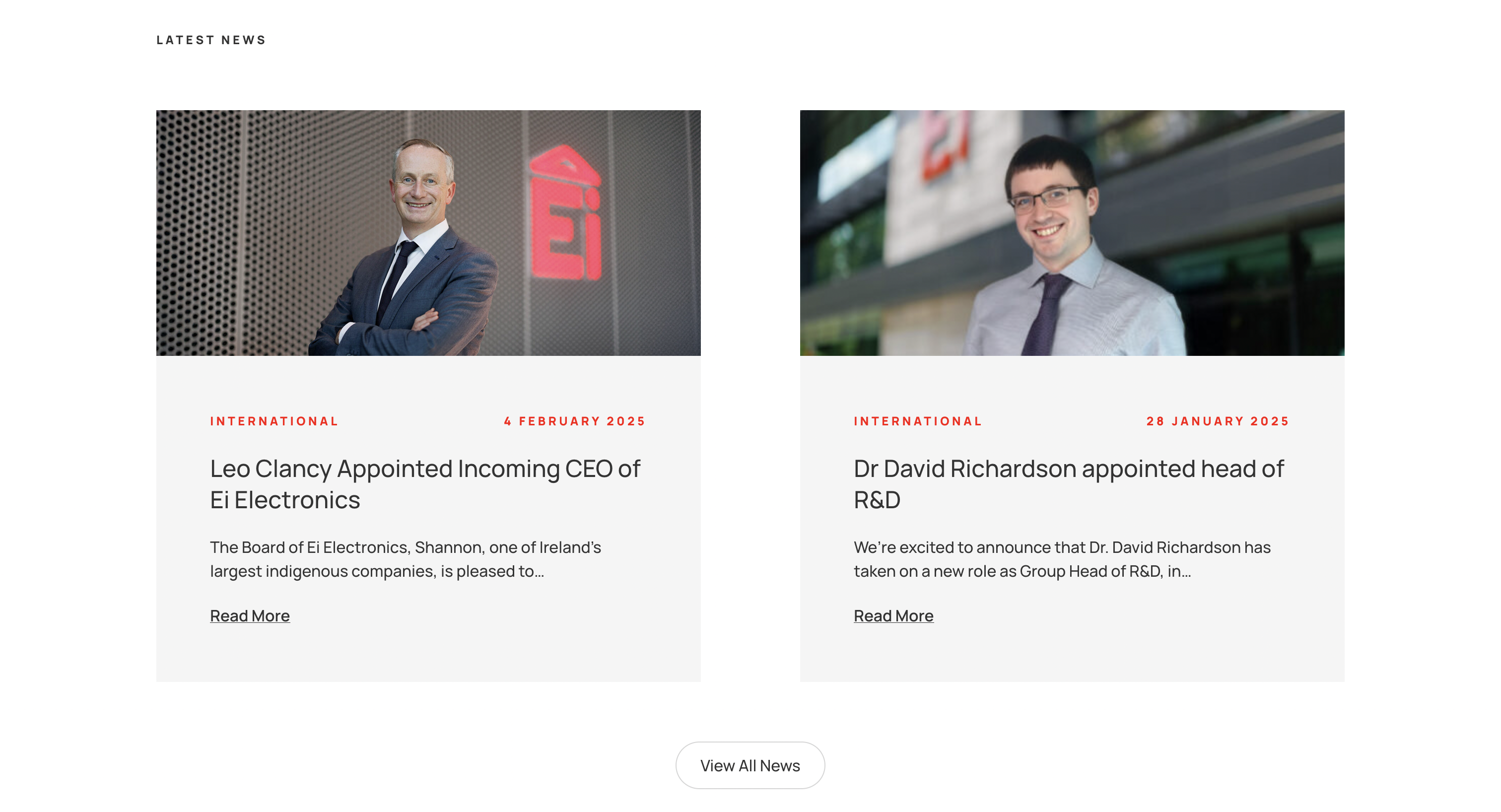
As seen in the news/posts overview pages.
-
Post Title: Allows the author to add title for the post
-
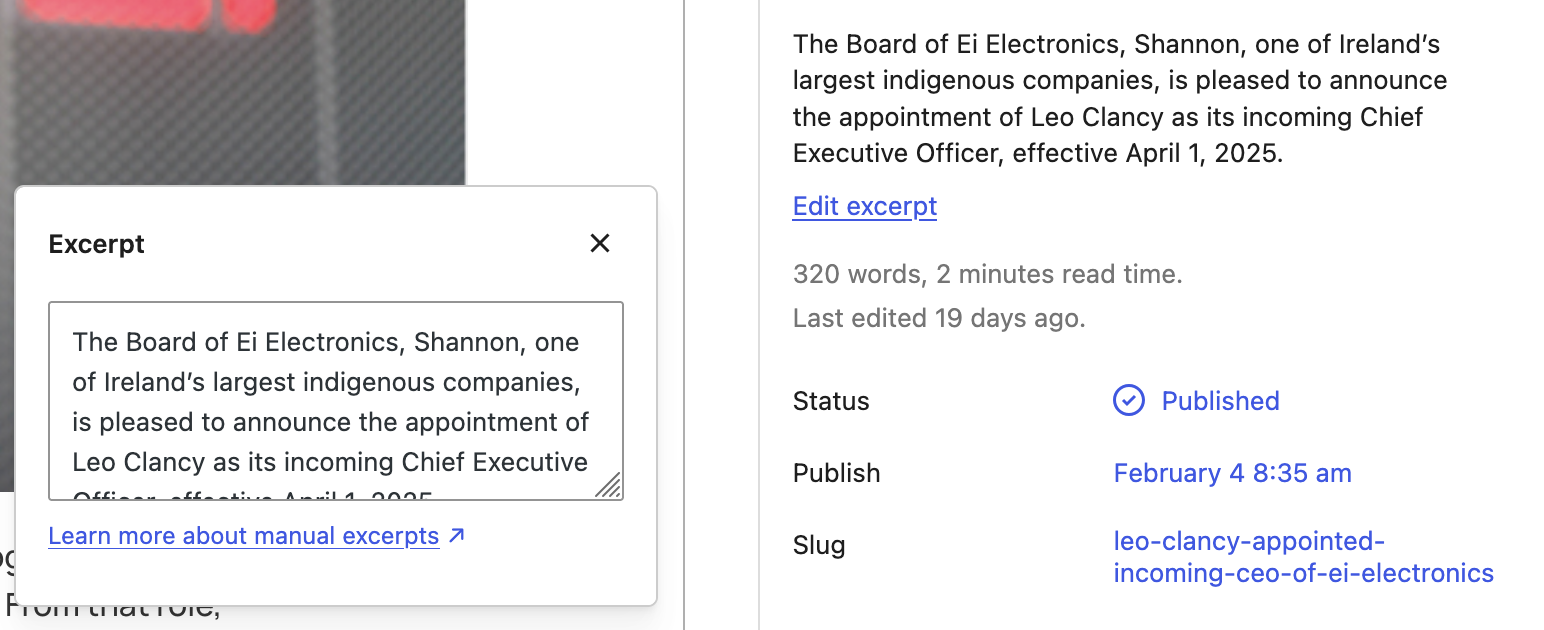
Excerpt: This is what's displayed underneath the featured image as seen on the post overview pages. It allows the author to provide a brief summary or teaser of a post's content. If an excerpt isn’t added, the site will display a shortened version the content written out for the post.
Preview Content ↓
Editing the Excerpt ↓
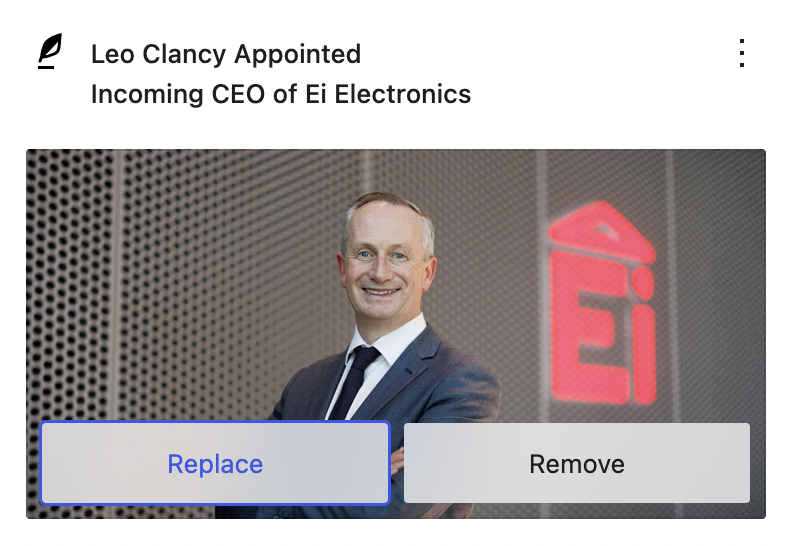
Changing Featured Image ↓
Post Types#
-
For this website, we have created 3 additional post types for you:
Insights,Careers, andCommunity. These are on the sidebar. -
You can edit these the same way you would edit a normal page.
-
The trailer content blocks can index for these if you wish and will display them in a clickable preview cards with a featured image, title and excerpt.
SEO#
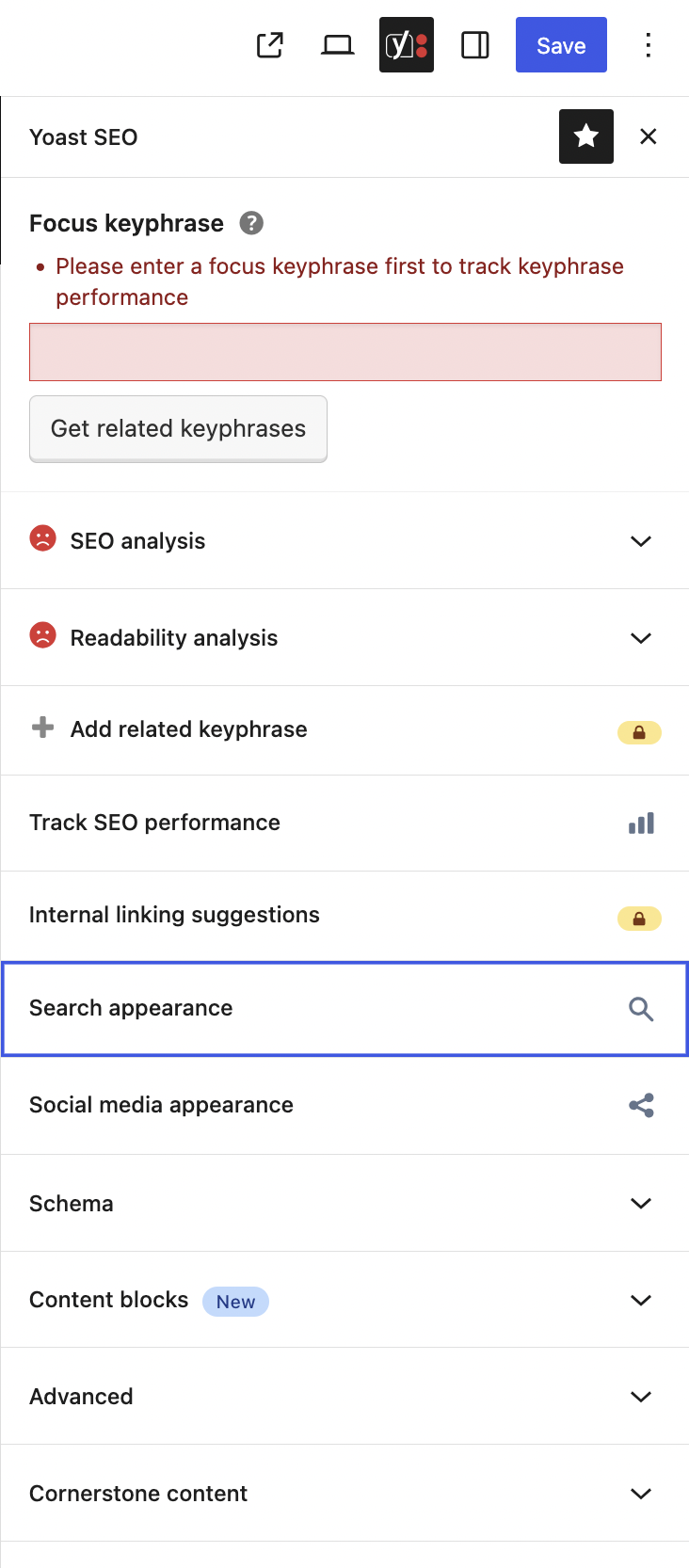
In terms of SEO, we are using the Yoast SEO plugin to assist us in increasing our SEO score. The Yoast SEO sidebar can be accessed in the top right of the page.
Focus Keyphrase: the phrase needed so Yoast can figure out if the page content is good or not.
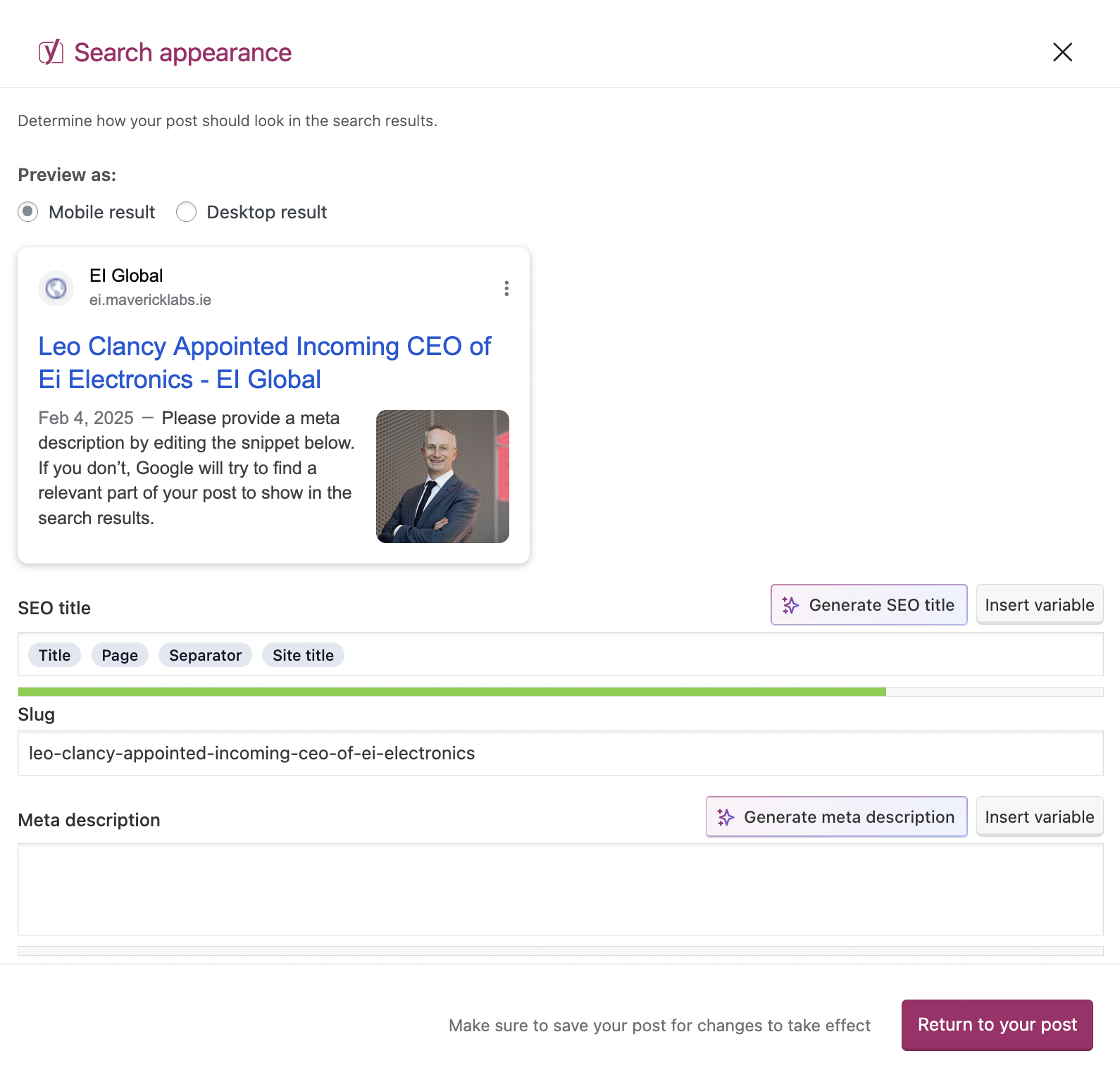
Preview as: this is how it will look when users find you online through mobile or desktop devices, mixture of SEO title, meta description and featured image.
SEO Title: title for your post when it comes up on the google search
Slug: the final part of your link (example: https://example.com/products/<SLUG_GOES_HERE>)
Meta Description: the description for your post when it comes up on the google search