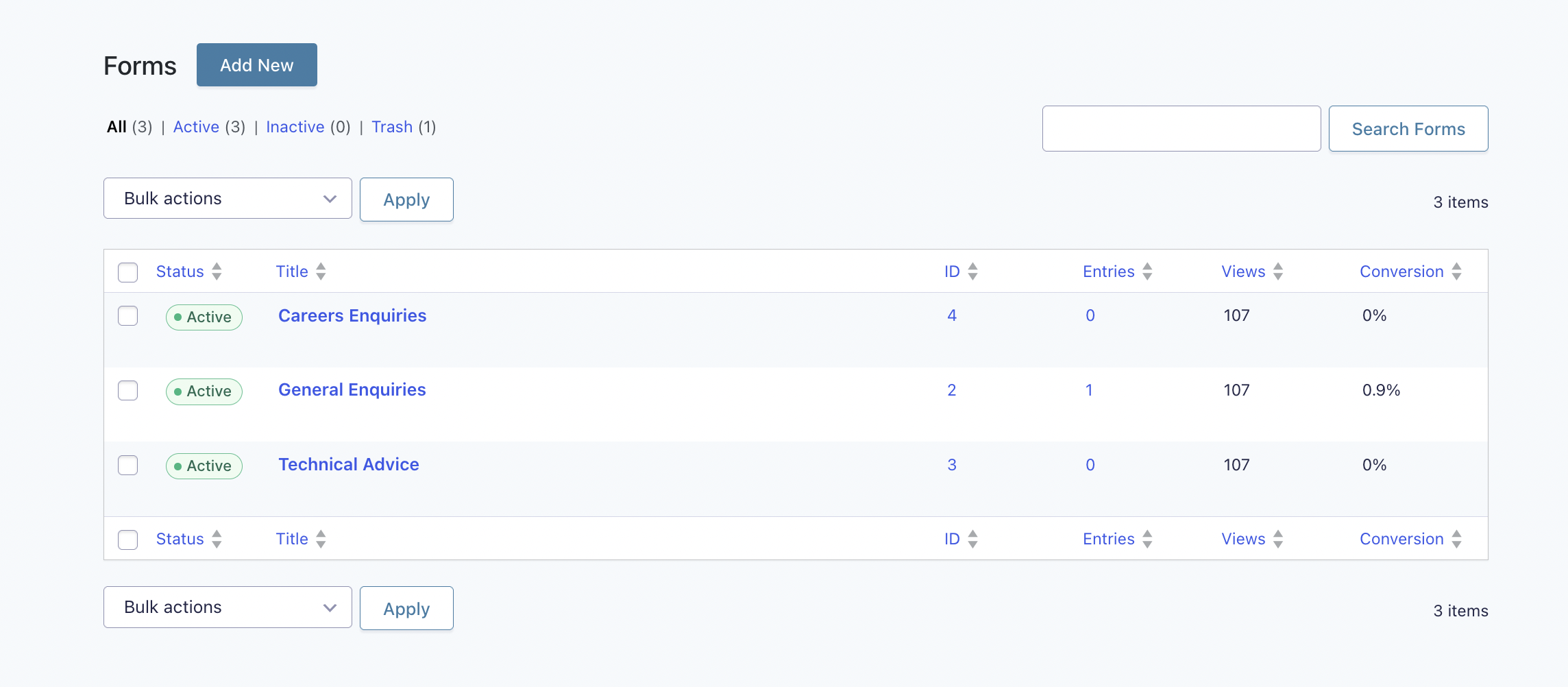
Forms Overview#
This is how user's visiting your site will contact you. The forms on site created specifically for the site. They are also used in ‘Form’ content block and global options setting.
How to check entries: click the entries option when you go into forms
Form Settings:
- It is recommended that you do not to play around with forms settings as the form has been created specifically with the style of your site in mind.
- If you would like to change who would receive the admin notification for form entries, you can do so under the notifications settings usually under
Admin Notificationand changing theSend To Emailto your preferred email
Notifications: A simple way to resend yourself a notification is by going into the entry and you can check the details from the form, from here you can also resend yourself the notifications (if you’ve missed any)
Confirmations: You may change the confirmation message for your forms as well. You can change the message in the confirmation settings
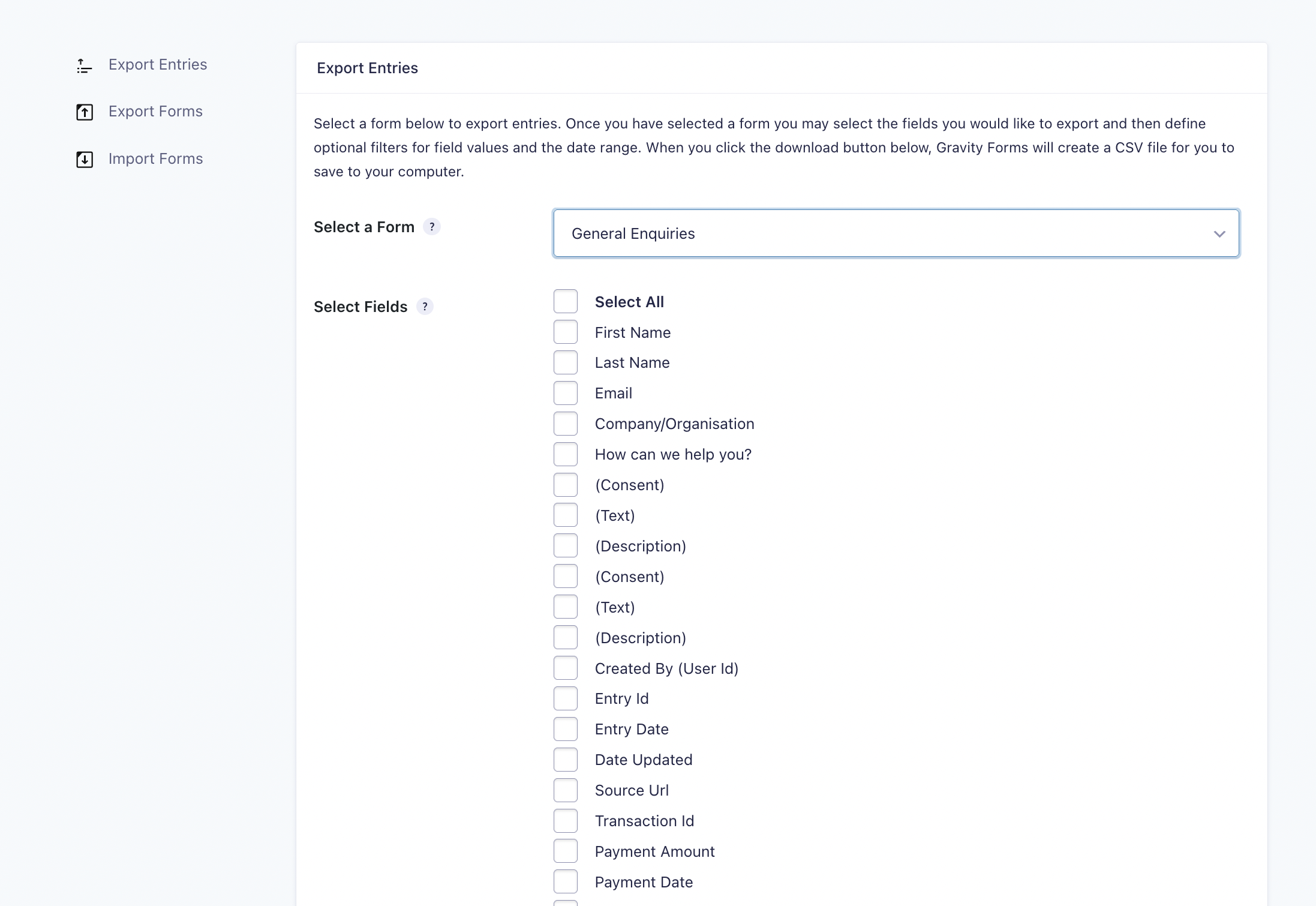
Export Entries: You can also export entries through ‘Import/Export’ option … select the form you’d like to export the entries from. Exported as a csv file, all entries will be shown on a table